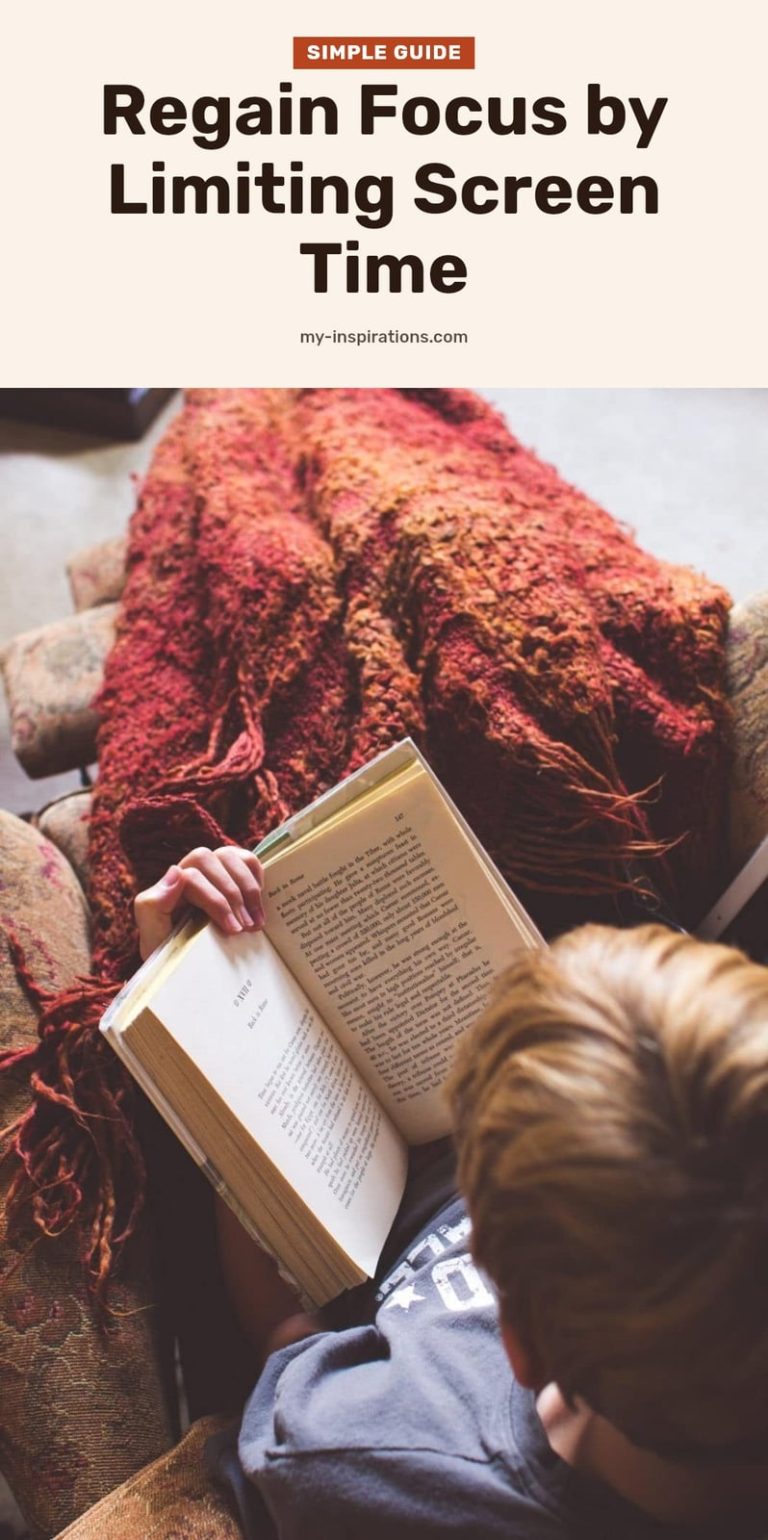
How to Limit Screen Time and Get Your Focus Back
Feeling overwhelmed by screens? Learn practical strategies to limit screen time, boost your focus, improve sleep, and reclaim your well-being.

Feeling like your phone has become an extension of your hand? You’re not alone. Constant notifications and endless scrolling can leave you drained, unfocused, and wondering where your day went. The good news is that you don’t need to go off the grid to reclaim your time and attention.
This article covers practical, realistic strategies to cut back on screen time without feeling deprived. From setting screen-free hours to simple phone tweaks, you’ll find actionable tips to help you feel more present, sleep better, and get your focus back.
Key Takeaways
- Set a screen-free hour before bed to improve sleep onset and quality.
- Turn off non-essential notifications to reduce interruptions and the urge to check.
- Use grayscale mode to make your phone less visually appealing and cut compulsive checking.
- Replace screen time with offline hobbies like reading, crafting, or outdoor activities.
- Track your usage with a built-in tracker to identify patterns and motivate change.
Why Limiting Screen Time is a Game-Changer for Your Well-being
Excessive screen time directly suppresses melatonin, the hormone that tells your body it’s time to sleep. That late-night scroll is the main reason you’re lying awake. Prolonged screen use also causes digital eye strain, dry eyes, blurred vision, and headaches are common signs. The good news: cutting back by even an hour can improve your sleep onset and quality within days. You’ll also notice better concentration because you’re no longer fielding constant notifications. Your attention span gets a real reset.
Understanding Why Screens Keep Us Hooked
The Notification Trap
Every ping or buzz triggers a tiny dopamine hit in your brain, conditioning you to check your device on repeat. That urge disrupts whatever you’re doing, reading, working, even relaxing. Turning off non-essential notifications is one of the fastest ways to break this cycle.
Blue Light and Sleep Disruption
Digital devices emit blue light that mimics daylight. When you use them at night, your brain suppresses melatonin production, making it harder to fall asleep and stay asleep. Even dim screens can shift your sleep cycle by an hour or more.
The Reward Loop
Apps are designed to keep you hooked. Features like infinite scroll, unpredictable rewards (think pull-to-refresh), and personalized notifications activate your brain’s reward system. This creates a compulsion to check, check again, and keep checking. Awareness of this design is the first step to resisting it.
Effective Strategies to Reduce Your Screen Time
Set Screen-Free Hours
Pick a block of time each day, one hour before bed or during meals, and put all screens away. I use the hour before sleep for reading or stretching. My tip: start with just 30 minutes and build up.
Turn on Grayscale Mode
Colorful app icons are designed to grab your attention. Switching your phone to grayscale makes everything look dull and less appealing. You’ll check your phone less often without even trying. On most phones, you can find this in Settings under Accessibility or Display.
Kill Non-Essential Notifications
Go into your settings and turn off notifications for everything except calls, messages from key contacts, and calendar alerts. That means no social media, no shopping apps, no news alerts. The reduction in interruptions is immediate.
Create Screen-Free Zones
Designate areas in your home where screens aren’t allowed. The dining table keeps meals focused on conversation. The bedroom protects your sleep space from late-night scrolling. Keep chargers out of these zones to reinforce the boundary.
Replace with Engaging Offline Activities
The time you free up needs a plan. I keep a stack of library books, a knitting project, and a yoga mat within easy reach. When the urge to grab my phone hits, I do one of those instead. The key is having the alternative ready before you need it.
Common Screen Time Mistakes to Avoid
Mistake: Going cold turkey: Quitting screens all at once usually backfires. You feel deprived and end up bingeing. Gradual reduction, cutting 15 minutes a day, is more sustainable and less stressful.
Mistake: Ignoring physical symptoms: Eye strain, headaches, and neck pain are your body telling you to take a break. Don’t push through. Use the 20-20-20 rule: every 20 minutes, look at something 20 feet away for 20 seconds.
Mistake: Using screens to cope with boredom or stress: Scrolling is a habit, not a solution. Instead, try a short walk, a few deep breaths, or a quick stretch. You’ll feel better without the screen hangover.
Mistake: Forgetting to tell your family: If you set screen-free hours or zones but don’t communicate them, others will interrupt your boundaries. A simple “I’m turning off notifications from 7 to 8 PM” helps everyone adjust.
Smart Habits to Maintain a Healthy Screen Balance
Track your usage: Check your phone’s built-in screen time tracker for a few days. Knowing you average 4 hours on social media is the first step to cutting back.
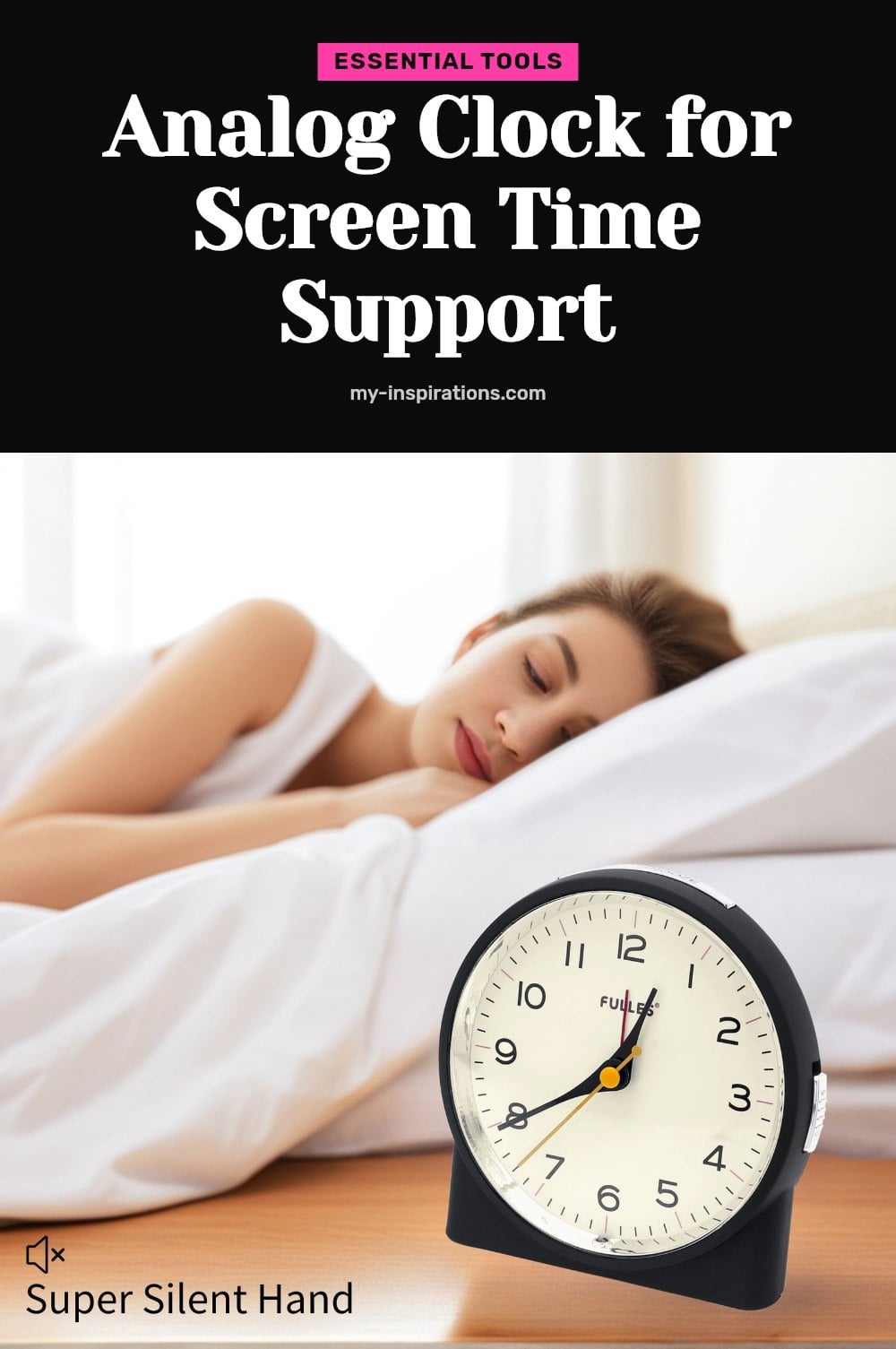
Swap your alarm: Use a basic alarm clock instead of your phone. This keeps your phone out of the bedroom, removing the temptation to scroll before sleep.
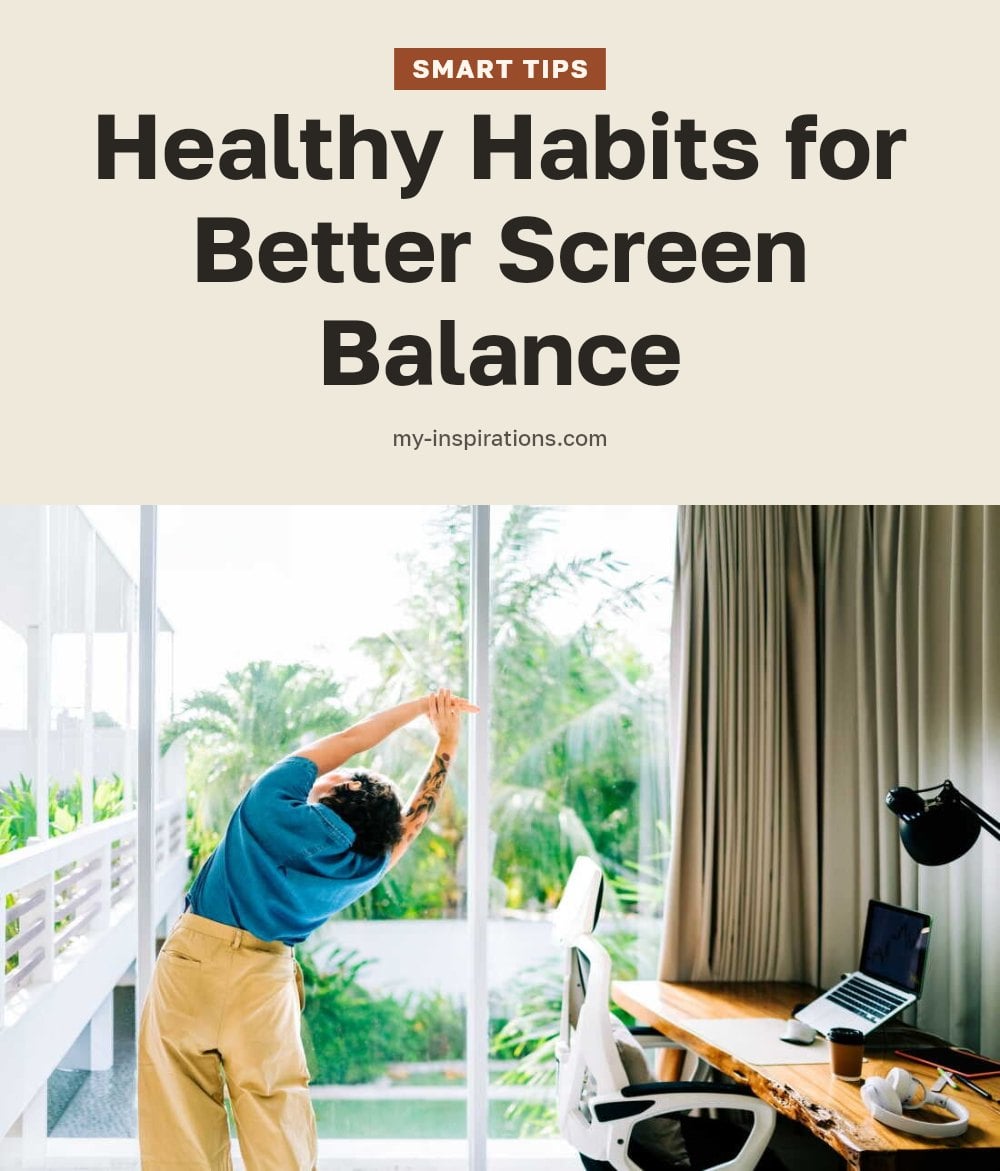
Follow the 20-20-20 rule: Every 20 minutes, look at something 20 feet away for 20 seconds. This simple habit can significantly reduce digital eye strain.
Plan your offline time: Decide what you’ll do instead of scrolling. Have a book, a puzzle, or a walk route ready so you don’t default to your screen out of habit.
Tools to Support Your Screen Time Reduction Goals
Smartphone usage trackers: Built-in or app-based trackers show your daily and weekly screen time, helping you identify patterns and stay accountable.
Blue light filtering glasses: These can reduce eye strain during evening screen use. They are not a fix for sleep issues but can make prolonged use more comfortable.
Alarm clock: A simple, non-digital alarm clock removes your phone from the bedroom, improving sleep hygiene and reducing late-night checking.
Books or craft supplies: Having engaging offline options like a novel, knitting, or a sketchbook makes it easier to choose a screen-free activity.
When to Seek Professional Help for Screen Time Concerns
If you experience persistent eye strain, headaches, or vision changes, consult an eye care professional. These symptoms may indicate a need for a break or a proper eye exam.
When screen time significantly interferes with daily responsibilities, relationships, or mental health, consider seeking professional support. A therapist can help address underlying habits.
For children, excessive screen time can impact development. Consult pediatric guidelines or a pediatrician if you are concerned about your child’s screen habits and social skills.
Frequently Asked Questions
How quickly can I see results from reducing screen time?
Many people notice improvements in sleep and focus within days to weeks of consistent effort. For example, you might fall asleep faster after a few nights of avoiding screens before bed. Long-term benefits, like better attention span and reduced eye strain, accumulate over months, so stick with it.
Is all screen time bad for me?
No, not all screen time is bad. Mindful use, like video calls with loved ones or educational content, can be positive. The key is balance and intention. The problem arises when screens replace sleep, physical activity, or real-world interactions, or when they leave you feeling drained and distracted.
What are some good screen-free activities?
Plenty of offline activities can fill the void left by reduced screen time. Try reading a physical book, crafting, gardening, cooking, or going for a walk. Exercise, puzzles, and board games are also great. The idea is to choose something you genuinely enjoy, so it feels like a treat, not a punishment.
Does blue light really affect sleep?
Yes, blue light from screens can suppress melatonin production, the hormone that signals your body to sleep. This can make it harder to fall asleep and reduce sleep quality. That’s why it’s wise to avoid screens for at least an hour before bed, or use blue light filtering glasses if you must be on a device.
Final Thoughts
Start small. Pick one strategy from this article, like turning off notifications or setting a screen-free hour before bed, and commit to it for a week. You’ll likely notice better sleep and fewer distractions within days, and the long-term benefits build over months.
Remember, the goal isn’t to eliminate screens entirely; it’s to use them on your terms. So, be patient with yourself, and celebrate the small wins. Your focus and well-being are worth it.
This article is for general informational purposes only and is not a substitute for professional medical or mental health advice. If you experience persistent eye strain, headaches, vision changes, or if screen time is interfering with your daily life, please consult a qualified healthcare provider or eye care professional.